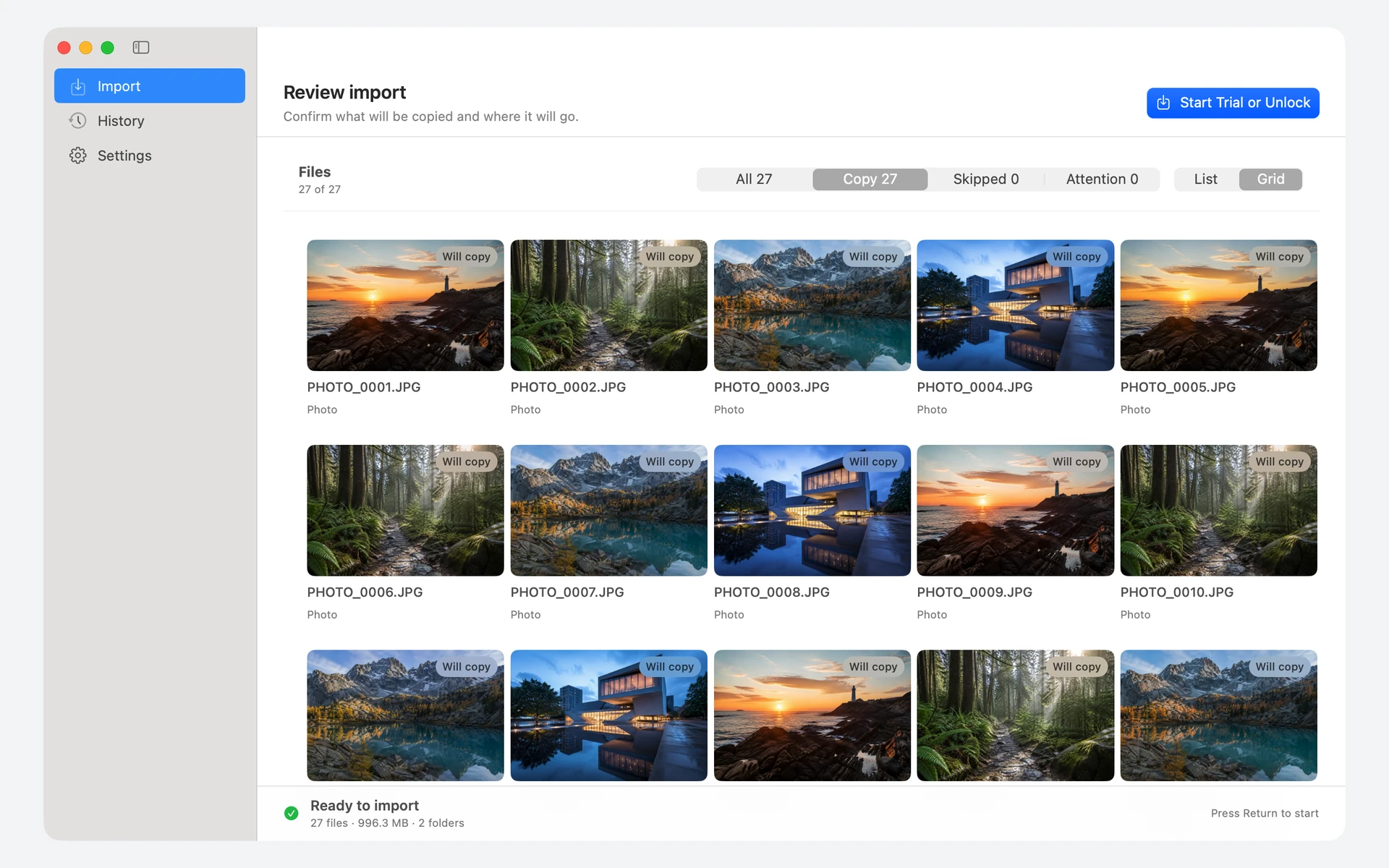
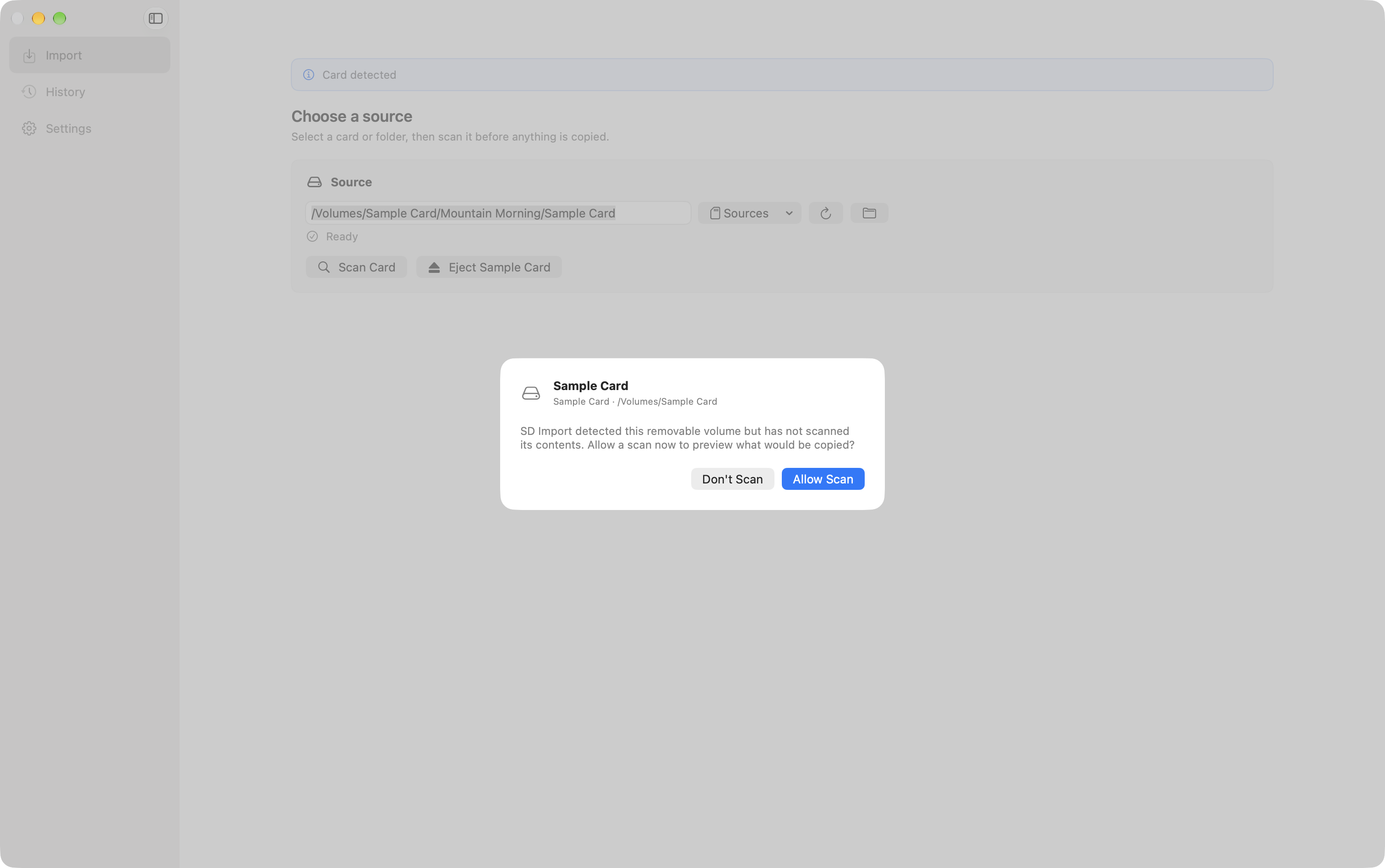
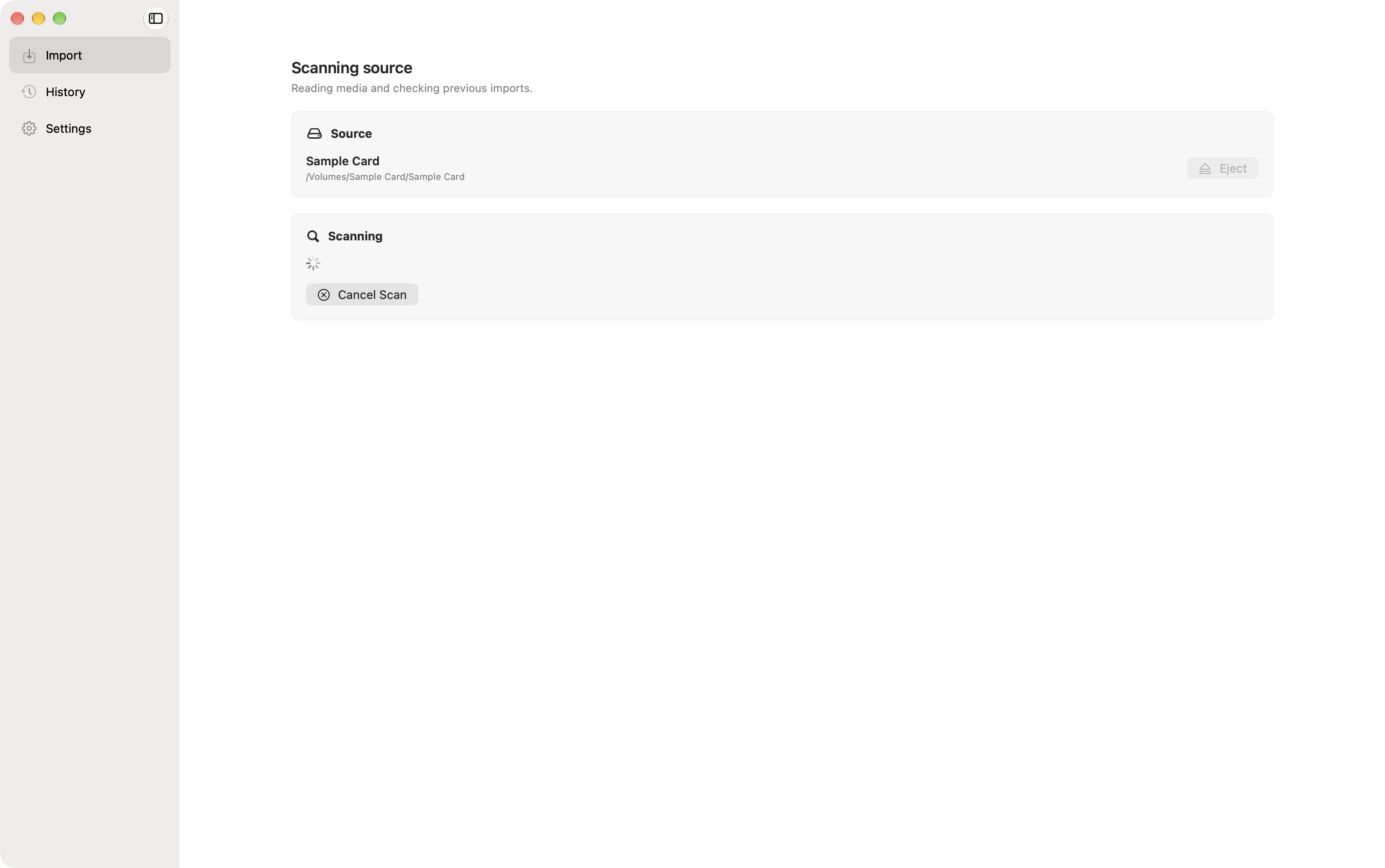
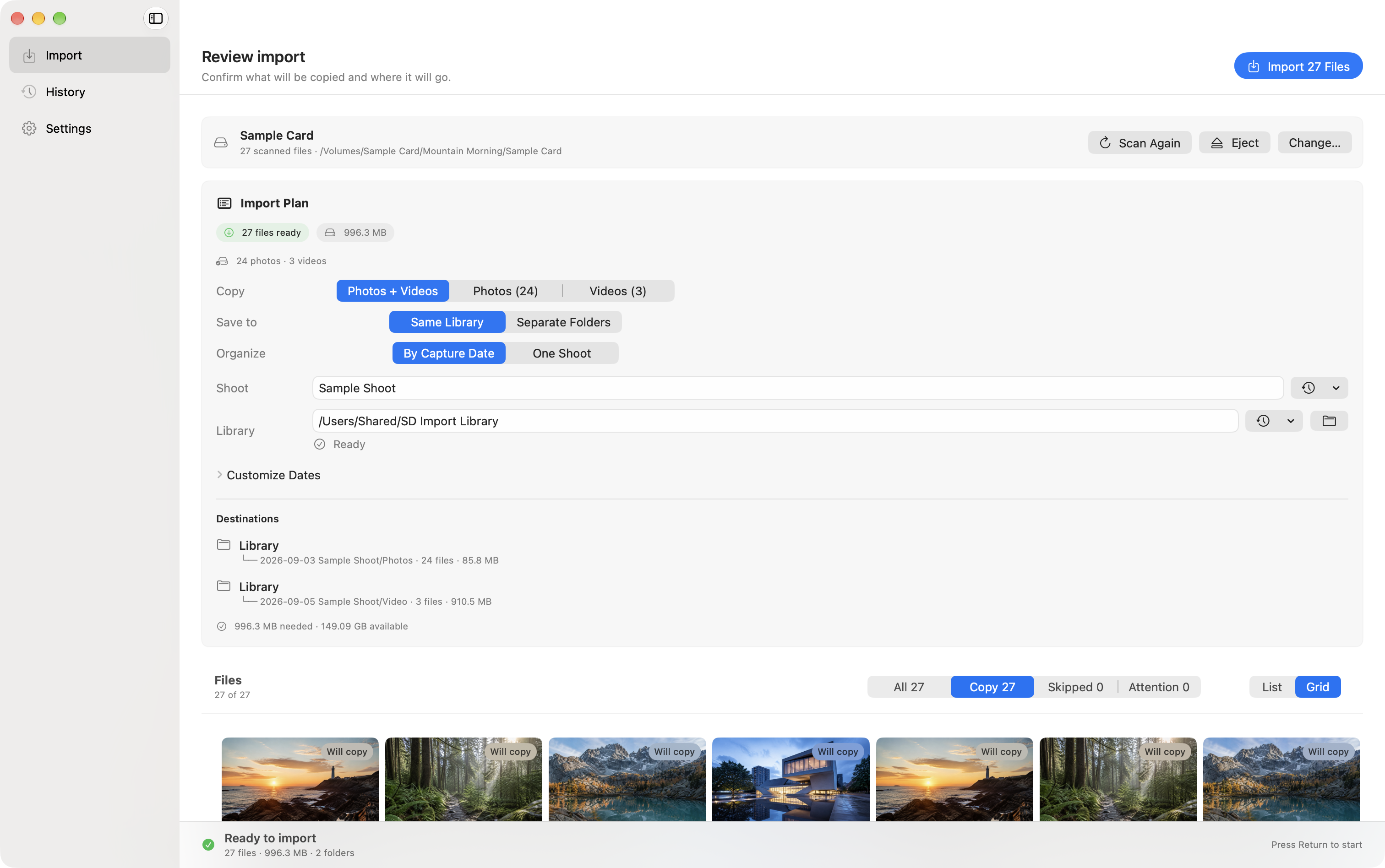
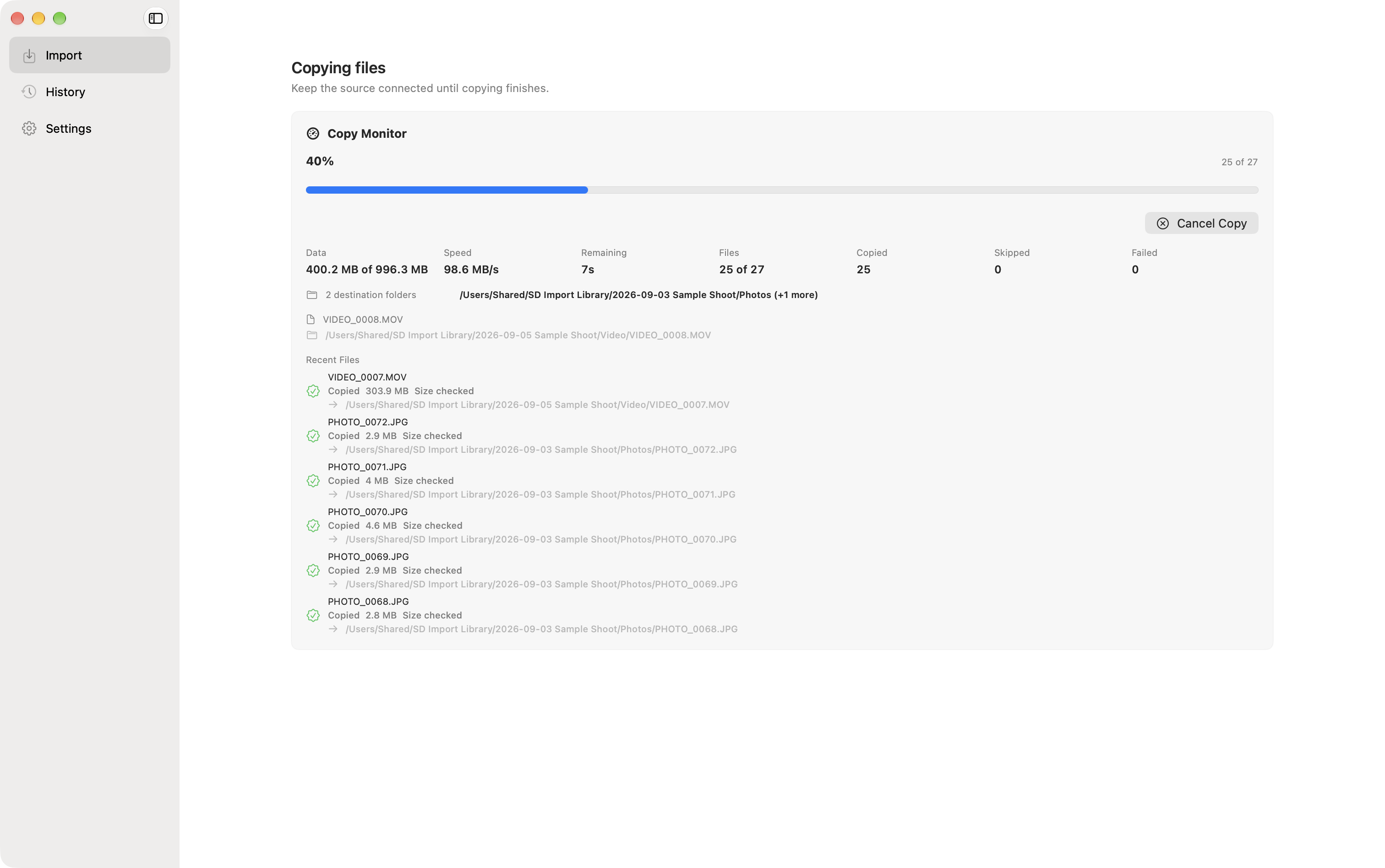
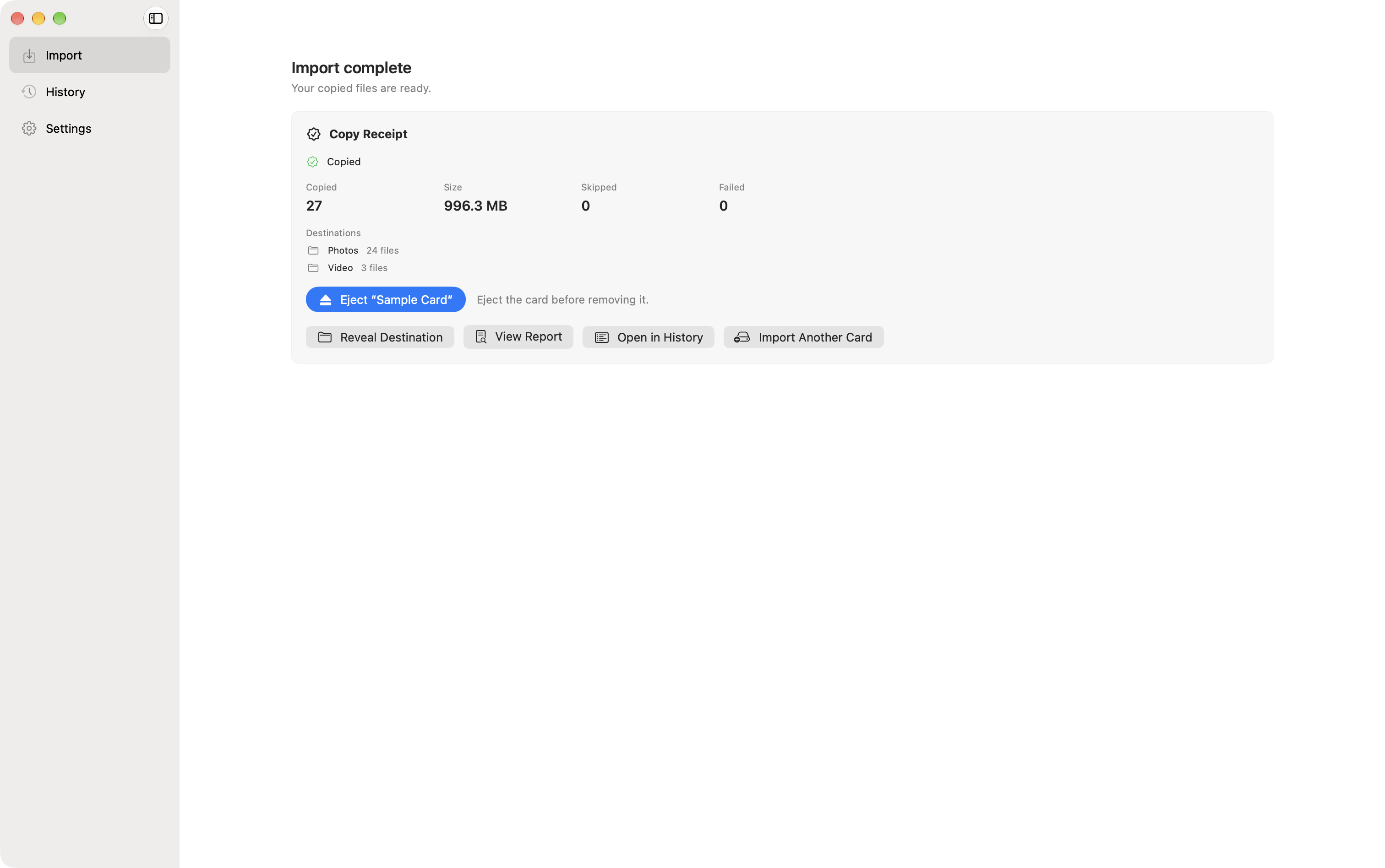
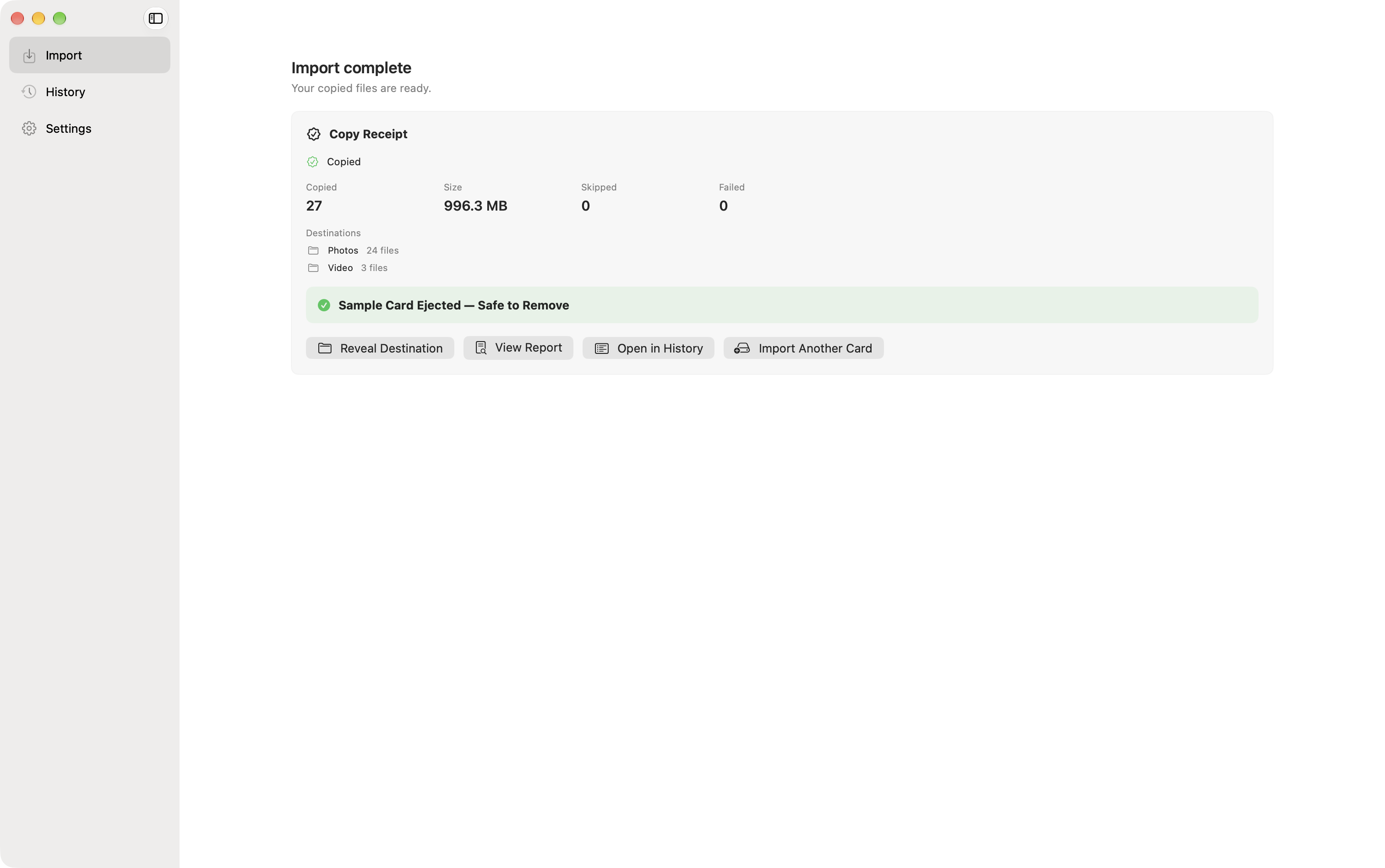
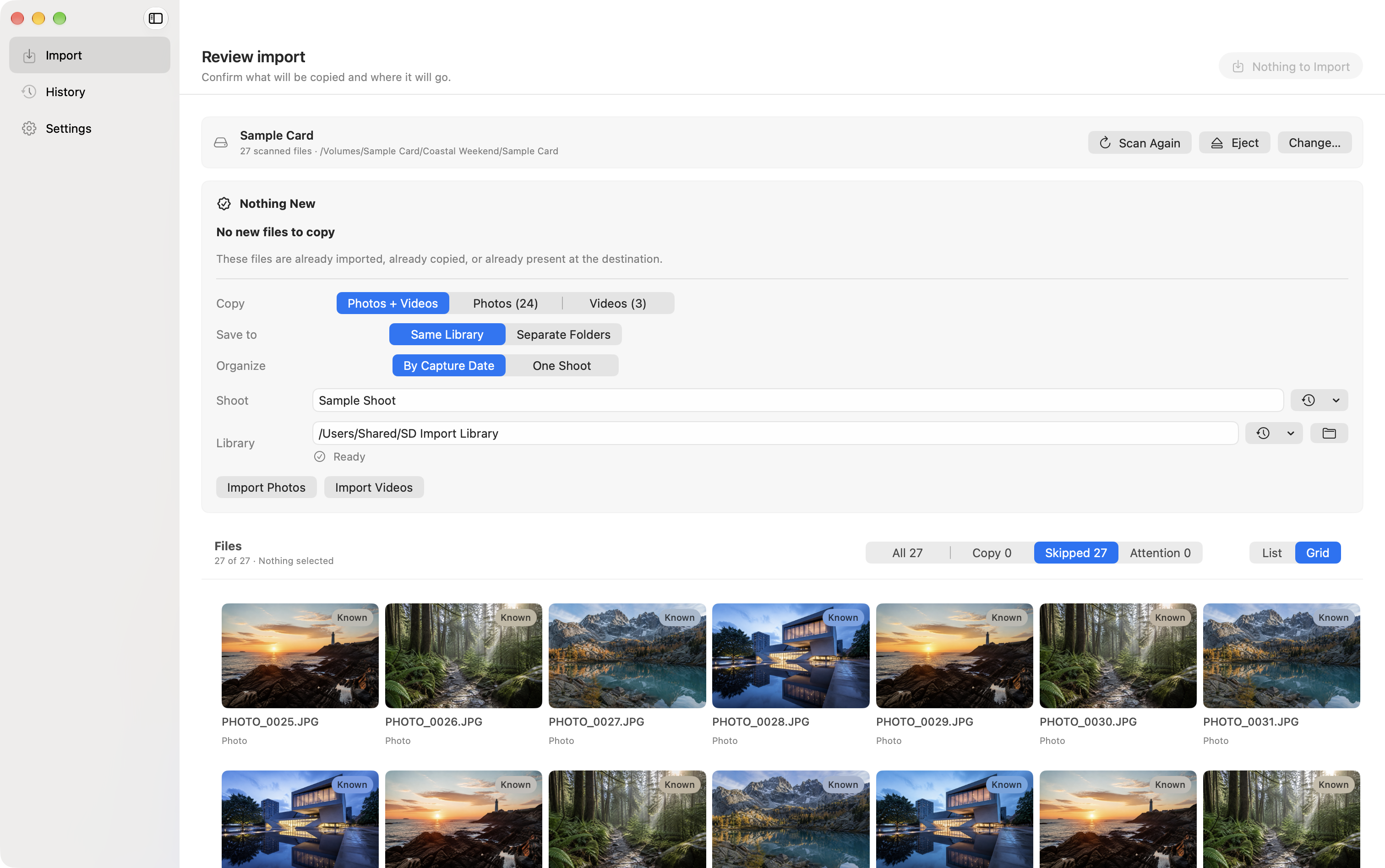
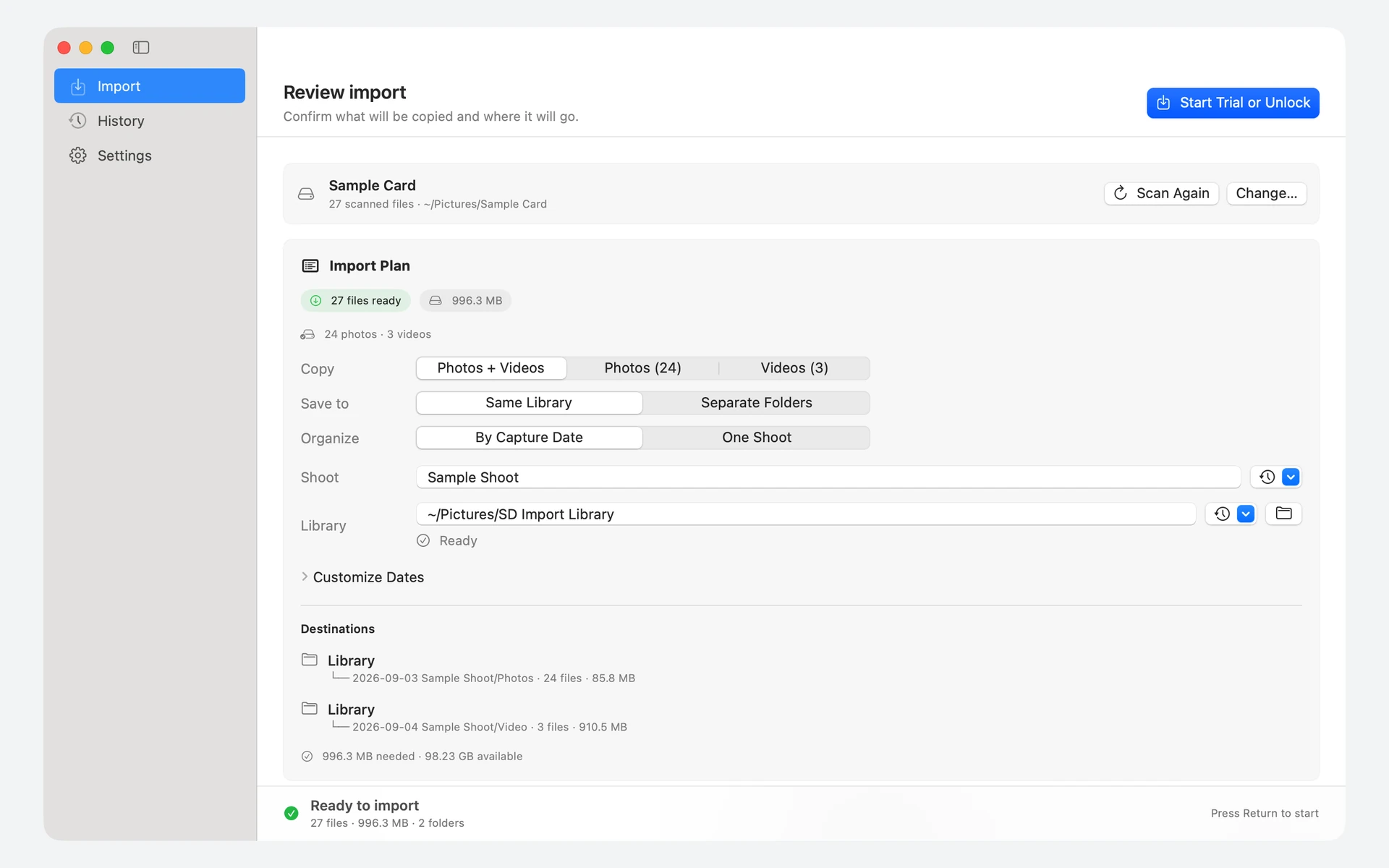
Review every file.Preview photos and videos before copying. Scanning and previewing stay free.Give every shoot a home.Choose your library, name the shoot, and review the destination folders.Keep importing. Pay once.One purchase unlocks unlimited completed imports, with Family Sharing.
Local development captures from version 1.1.1 using sample media and App Store prices.
Ready when your card is
Make room for your next shoot.
Get SD Card Import on the Mac App Store and give every import a clear plan.
SD Card Import · Mac App Store
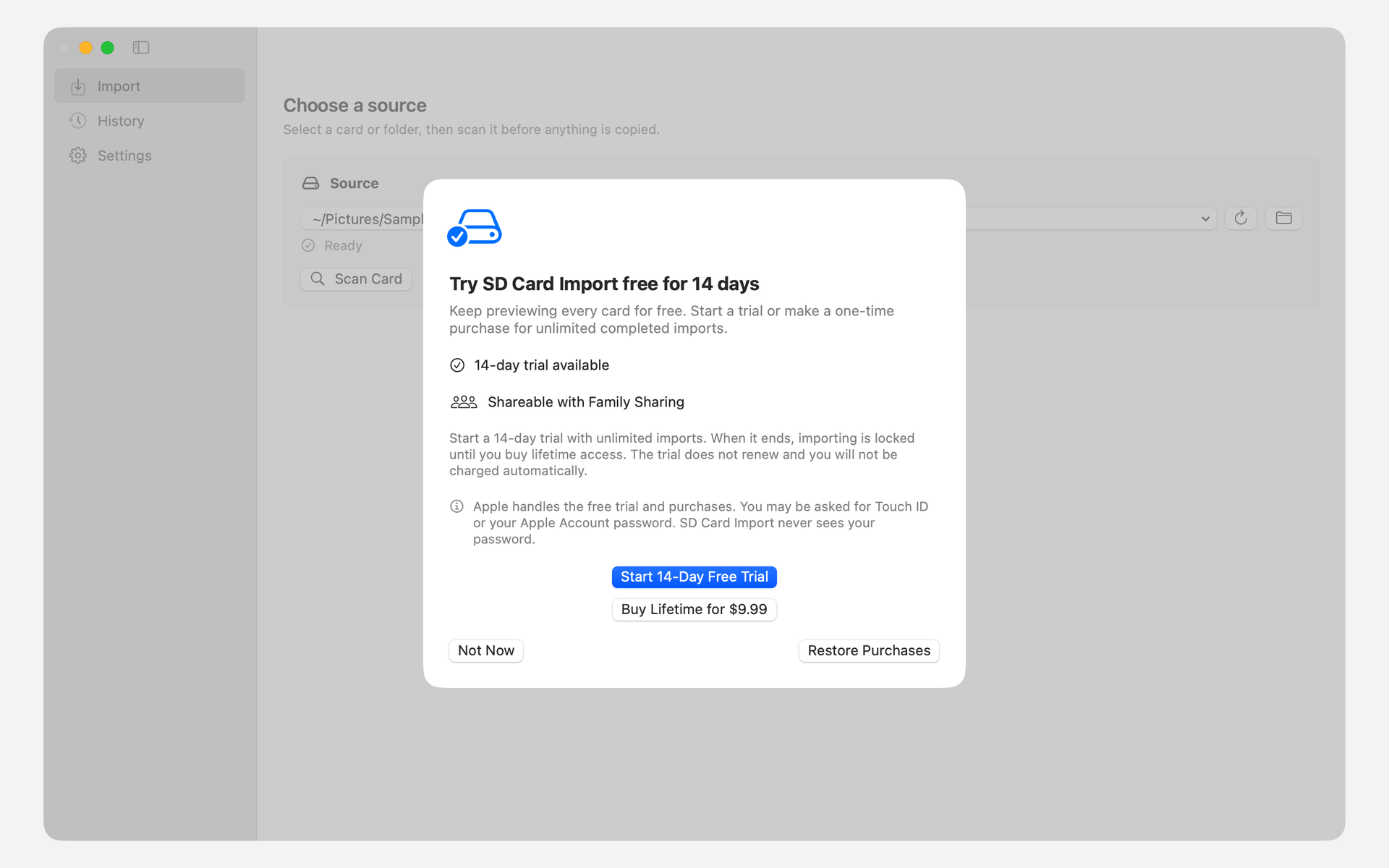
Unlimited imports free for 14 days.Then $9.99 once for lifetime access.
SD Card Import recognizes common RAW, JPEG, and video formats. The scan also shows camera metadata sidecars and unsupported files, so you can review what is on the card. See the guide for the full workflow.
What happens if I import the same card again?
SD Card Import recognizes files recorded in its import history and skips repeat copies. The review shows what’s new and what’s already imported before you begin.
Where do my files go?
Into the destination folders you choose. You can keep photos and videos together, use separate destinations, and organize by capture date. Review the planned paths before copying.
Does SD Card Import delete anything from my card?
SD Card Import copies your media without automatically deleting the originals from the source card. When the import finishes, you can safely eject a supported removable card.
How much does SD Card Import cost?
Unlimited completed imports are free for 14 days. After that, a one-time $9.99 U.S. purchase unlocks lifetime access and supports Family Sharing. Scanning and previewing stay free. Local pricing may vary. The trial does not renew or charge automatically; there is no subscription.
What do I need to get started?
A Mac running macOS 14 or newer, a mounted card or source folder, and enough destination space. The install guide walks you through setup.